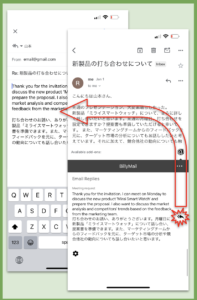
BiliMail is a Gmail™ Add-on which is accessible directly from your Gmail™. To get started, simply install the add-on, set your languages, and BiliMail will help you each time an email is opened.
BiliMail begins as a free trial. If you like it, please subscribe for continued access.
Click the + button in the right side panel of your Gmail™ account
(If your right side panel is hidden, use the arrow in the bottom right of the browser window to expand it)
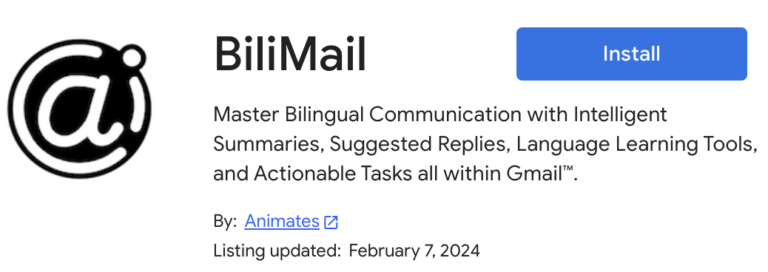
Search “BiliMail” in the Google Workspace Marketplace™
Click Install
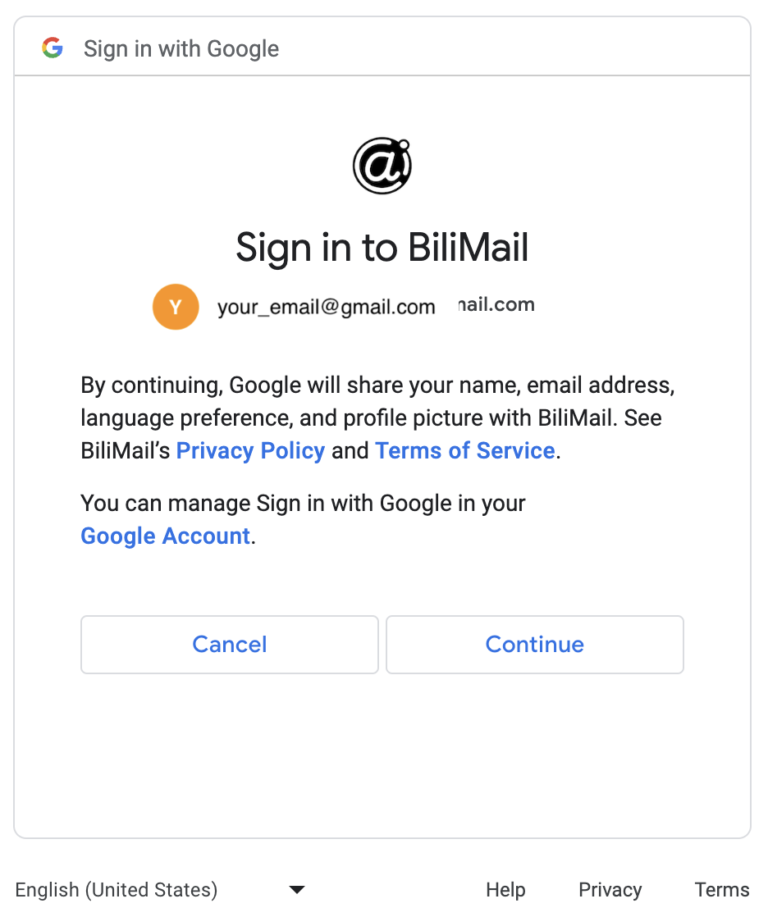
Click Continue
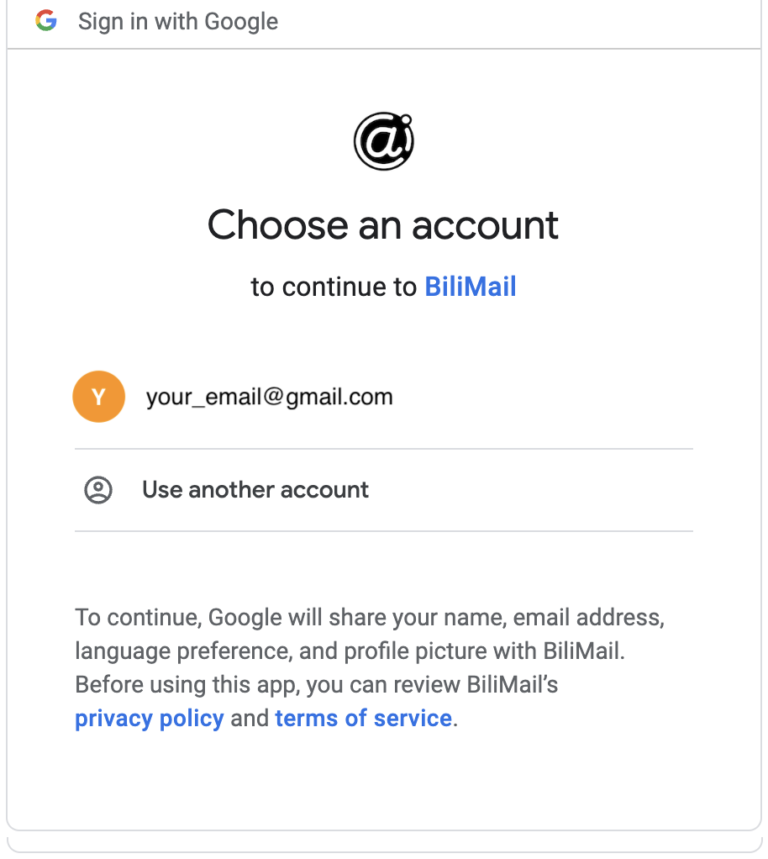
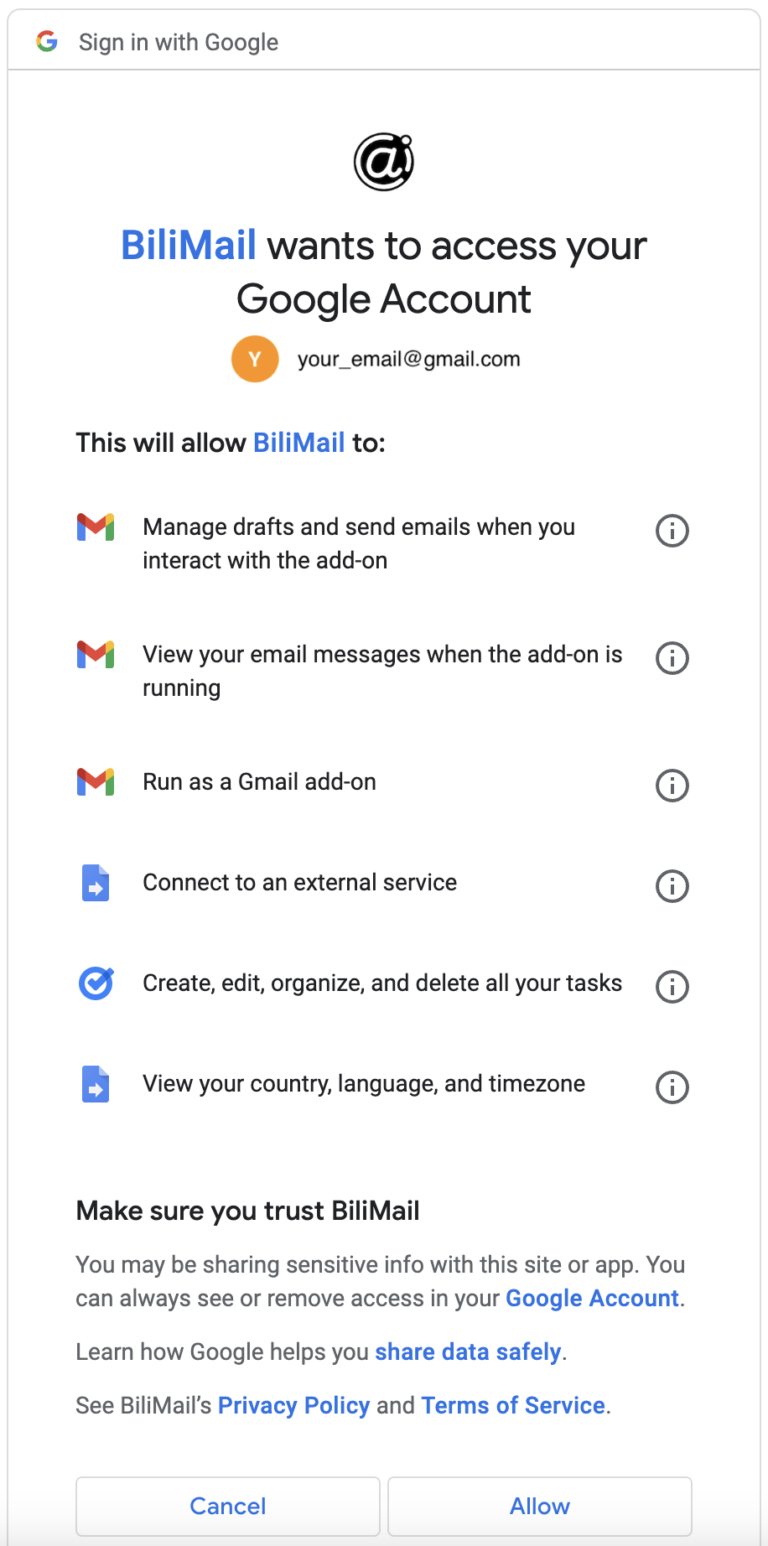
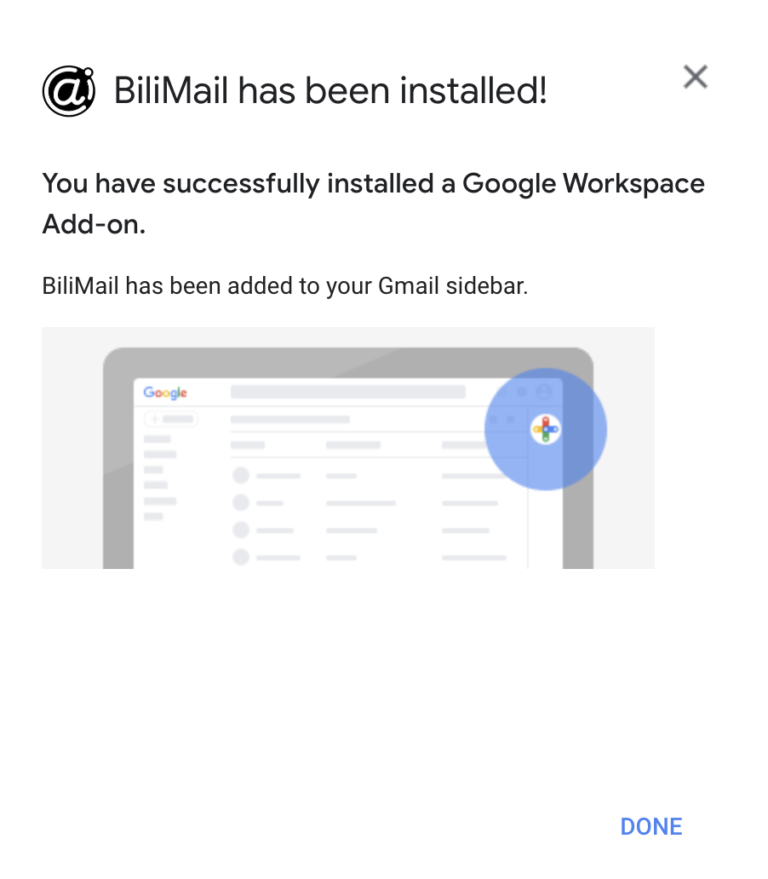
Follow the authorization steps to install the Add-on
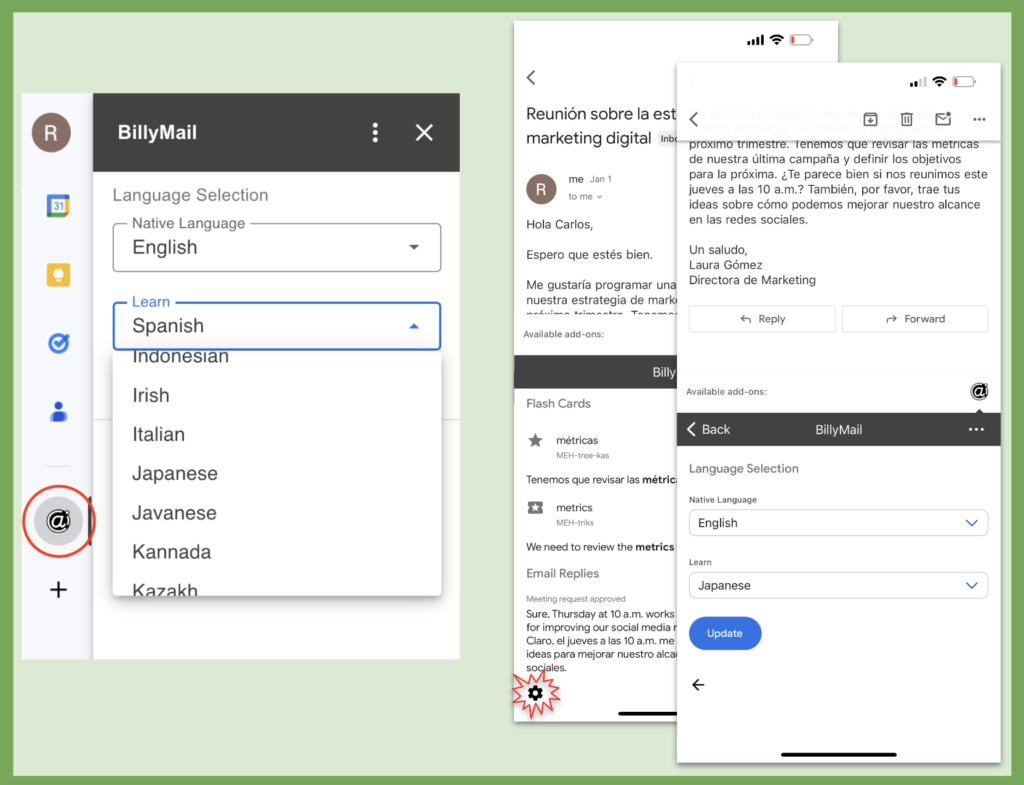
Click the BiliMail logo in the right-side panel
Click Authorize, then Allow to give BiliMail access to your inbox
Setting up BiliMail
Browser: Click the BiliMail logo in the right-side panel and the BiliMail card will open App: Click the BiliMail logo at the bottom of any email
From the Inbox by default, the BiliMail settings card will be shown. Here you can set your language learning and translation preferences
While viewing an email, click the settings icon at the bottom left of the BiliMail card to get to the settings card
After saving your Native Language and Learning Language in the Settings page, you are ready to use BiliMail
Using BiliMail
With the BiliMail card open, select any email to generate:
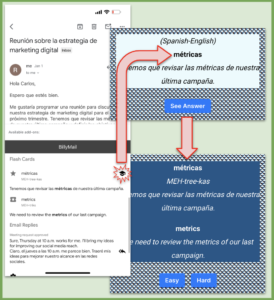
Flash card recommendations for studying key words from the email
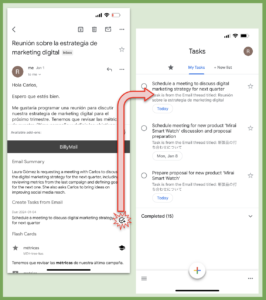
To-do item recommendations identified from the email
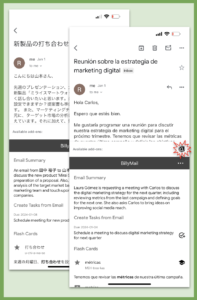
Email summaries in your native language
Potential replies (edit and send directly from Gmail™)
Create new Google Tasks™ directly from BiliMail
Access BiliMail from the @ icon in your browser based Gmail™ sidebar or from the bottom of messages in your Gmail™ app.
Generate draft replies for editing directly from suggested BiliMail replies
Create flashcards for study. These can be viewed from the BiliMail homepage (https://mates.animates.world/flashcards/)